
Focus
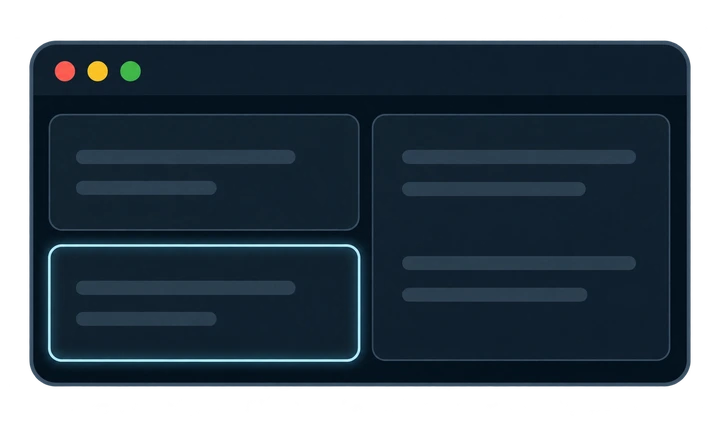
Option with H, J, K or L focuses a window in that direction. Option with a number key (1 through 9, or 0) switches to that workspace.
 Frame
Keyboard-first · Vim-inspired
A scripted demonstration opens three windows on the left display. Option H, J, K and L change focus without moving windows. Adding Shift to Option L moves the focused window right; adding Control resizes the column width or a row’s height in steps. Option Shift 7 sends it to workspace 7 on the right display, then Option Shift 1 brings it back to the left, keeping it focused both ways. The action label, illustrated keys and window change appear together, then pause before the next step. Each window’s red close dot lights up before it closes, then the demo repeats from empty monitors. Use Play or Pause to control playback, or Replay to start again.
Start with an empty workspace
Demo paused. Start with an empty workspace Workspace 1 on display 1. 0 columns, 0 windows. No focused window.
A workspace contains columns. Windows stack as rows within each column.

Choose your action with modifiers, then a direction or workspace number.
Option with H, J, K or L focuses a window in that direction. Option with a number key (1 through 9, or 0) switches to that workspace.
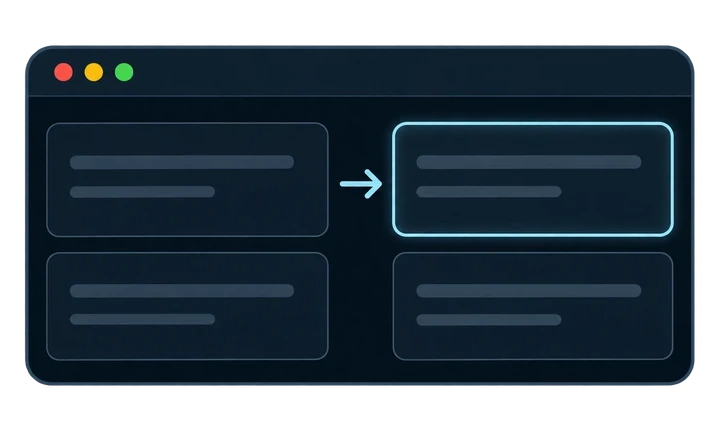
Option Shift with H, J, K or L moves a window in that direction. Option Shift with a number key (1 through 9, or 0) sends the window to that workspace.
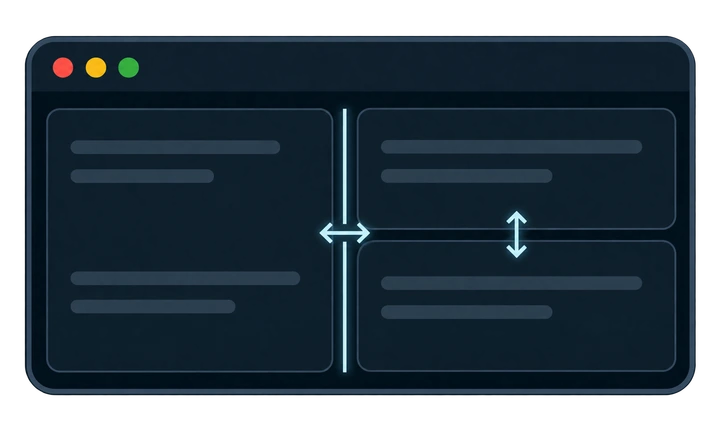
Option Shift Control with H or L resizes column width; with J or K it resizes row height.
brew tap tvr-works/tap
brew install --cask tvr-works/tap/frame
Run these commands in Terminal with Homebrew installed.
Download release